

Press the  Patient button or touch
  on the screen.
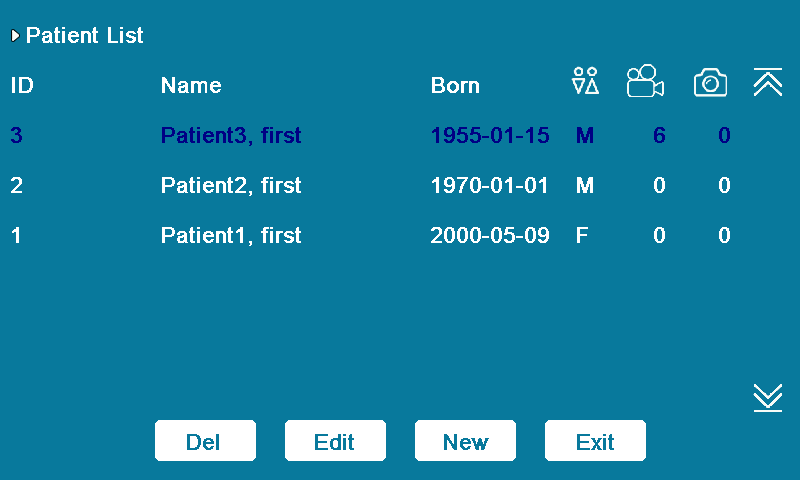
Touch  &
&  on the screen to find the patient you want to edit or delete, then touch the screen to select the patient. Tap the Del or Edit button.
After press Patient button, the patient list will be displayed on LCD or external monitor, use  &
&  &
&  &
&  to select patient from the list, then press
  button to edit it.
