

First, you need to go into the camera settings to mirror the video.
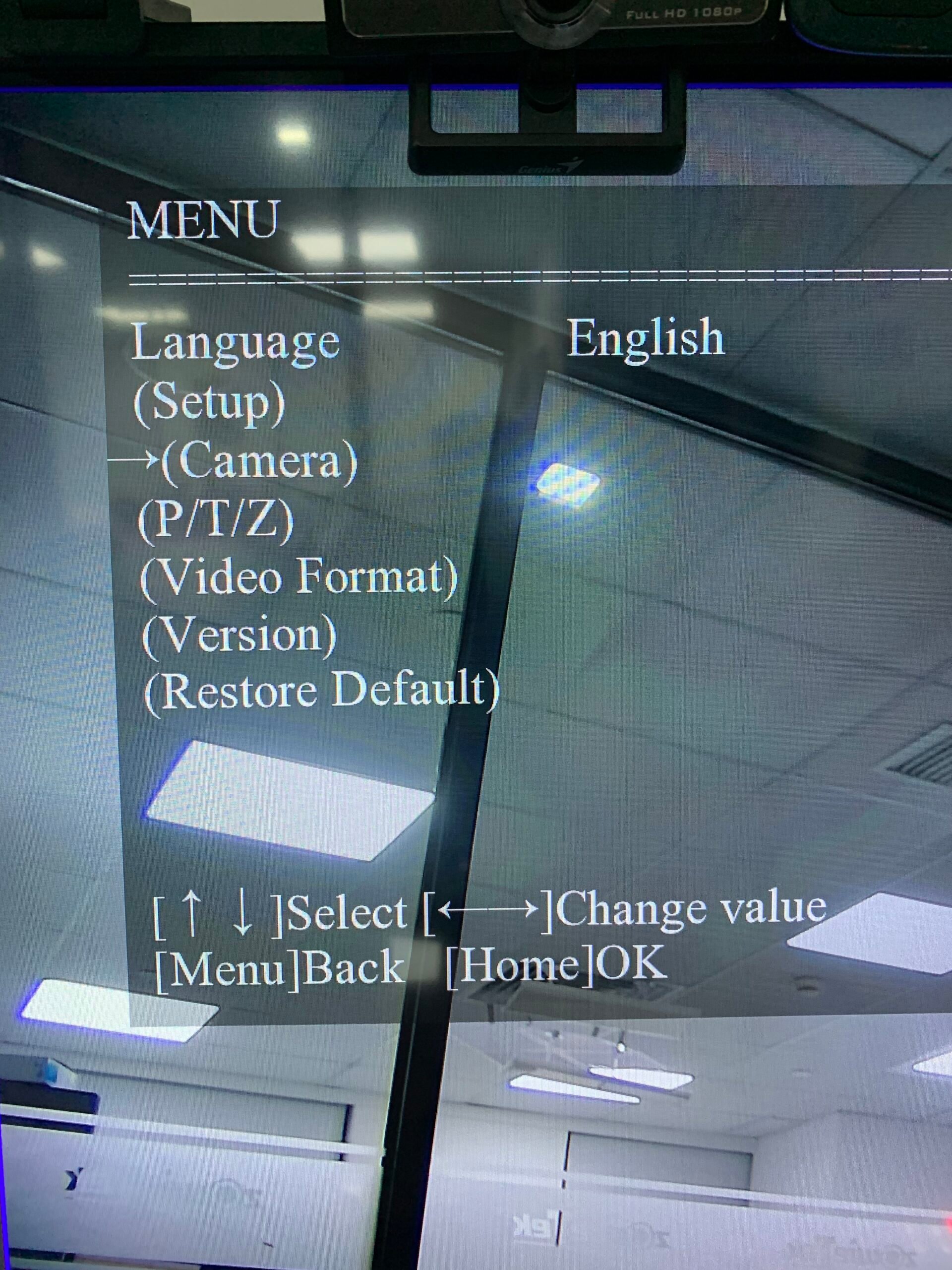
Step1: Press the 【MENU】button in remote control and then select 【Camera】
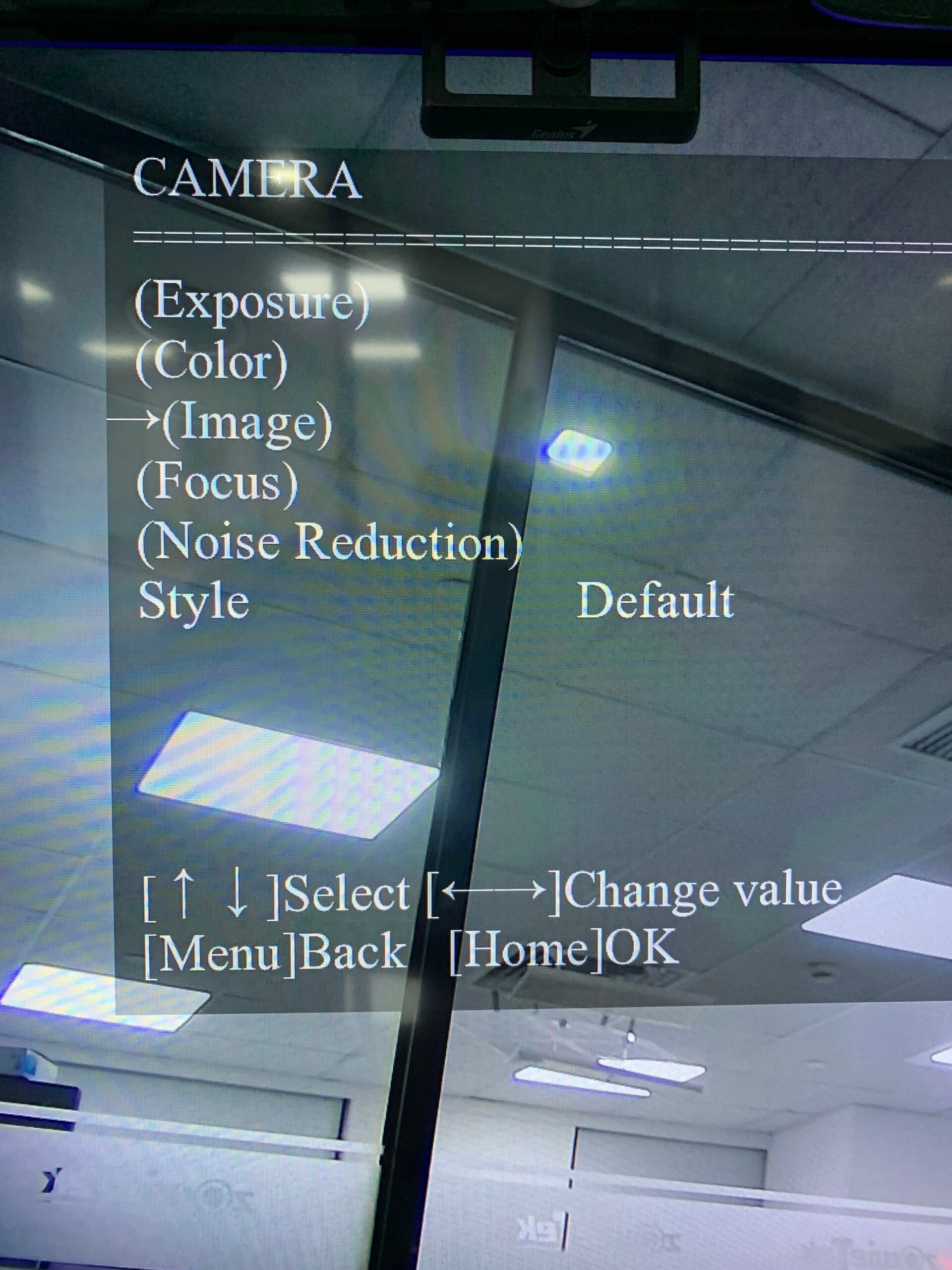
Step 2:Select 【Image】
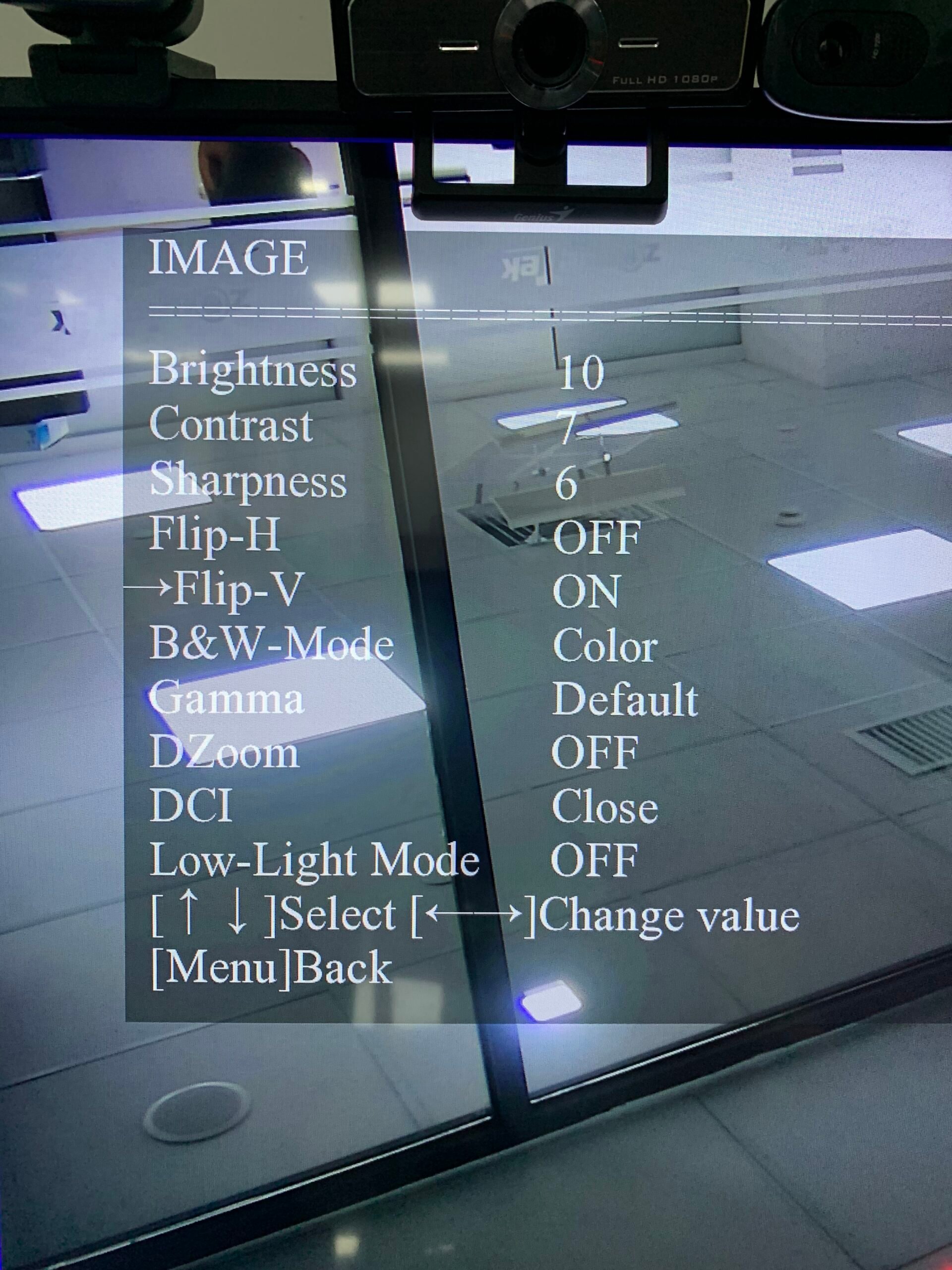
Step 3:select 【Flip-V】to Flip the screen
Second, you need change your control habits. By moving the joystick to the left, the camera moves to the left with itself as a reference object, rather than to the left relative to the operator. So if you want the camera turn left relative to yourself, you need to move the joystick rightward.
