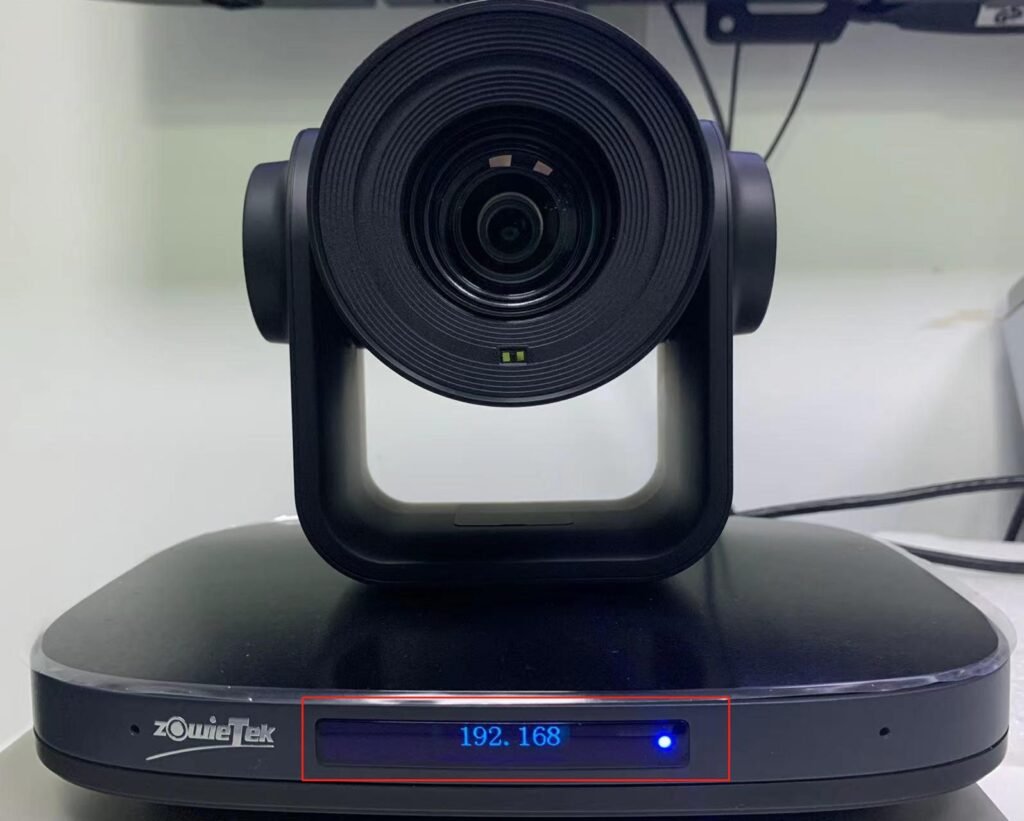

There are 3 ways to find the IP address.
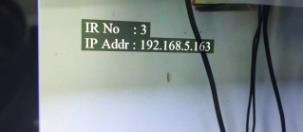
Method 1:
1.Reconnected the camera to a monitor
2.Then restart the camera.
3.After that, the IP address can be found on the upper left corner.
Method 2:
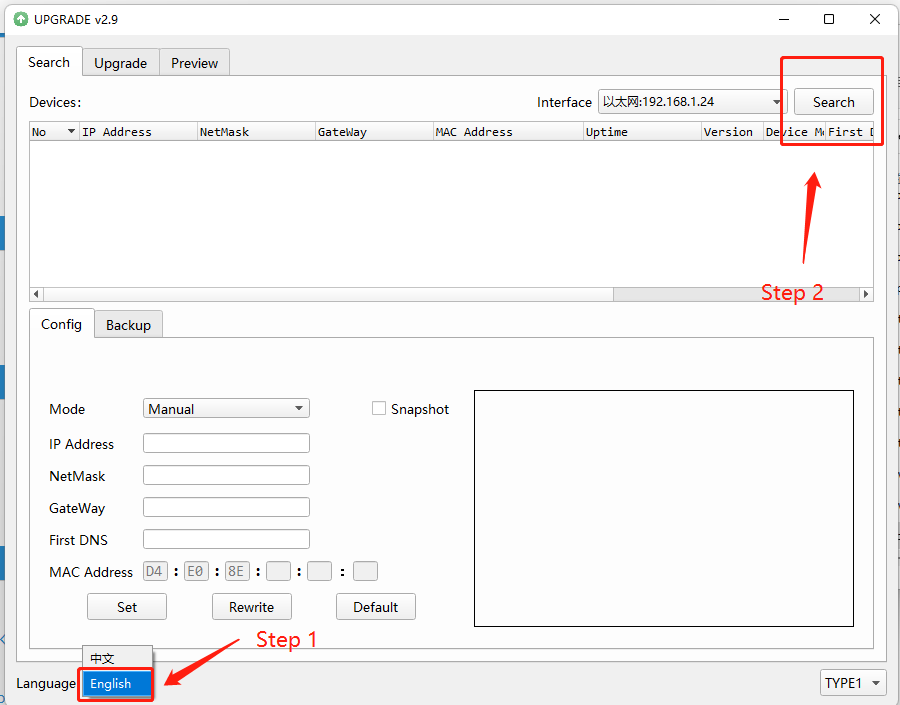
1. Please download upgrade v2.91
2. upgrade v2.91 -> upgrade v2.91> upgrade_standard.exe -> Language: choose English -> click “Search”


Method 3:
The IP address is visible on the small screen at the front of the camera