

Turn on the silent fan mode, the fan will be stopped. Turn off, the fan will be open.
Note: In the silent fan mode, the encoder will stop charging the battery. The device will be warmer in the silent mode.
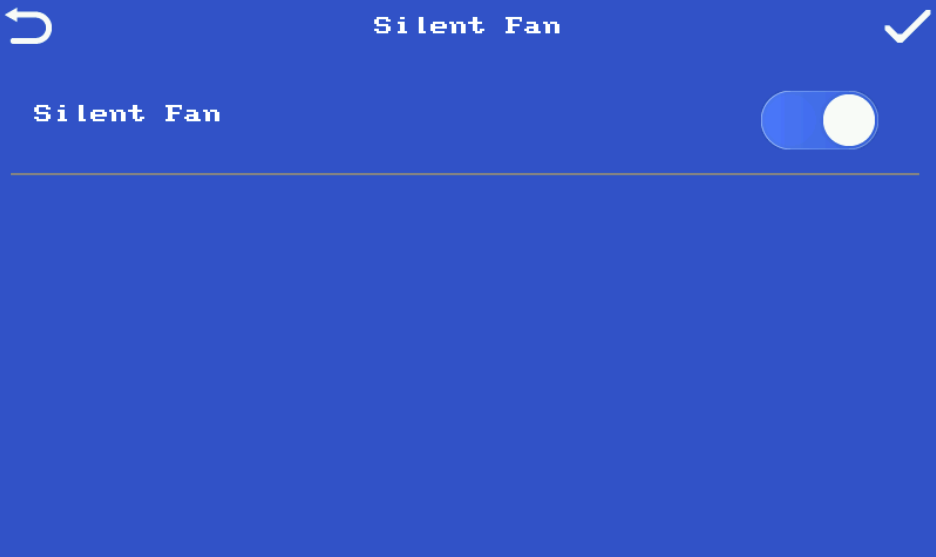
Turn on the silent fan mode, the fan will be stopped. Turn off, the fan will be open.
Note: In the silent fan mode, the encoder will stop charging the battery. The device will be warmer in the silent mode.

1) Log in to the ZowieCAM web page
2)Click 'Setting->Camera->Image->Start Calibration ,then manually twist the focus ring until it is completely sharp.
3)Then click 'End Calibration'on the web page.
The specific hardware versions and corresponding functions are as follows:
(1) Please use official NDI software, such as NDI monitor, to check whether the NDI source can be decoded normally.
(2) Please check whether the IP address displayed by the NDI source is in the same network segment as the IP address of ZowieBox.
Learn more